
Screenshots
App details
- Updated
- 2024-08-20T11:14:50.5446929Z
- Requires
- Windows 10 version 17763.0 or higher
- Language
- English
- Developer
- Tian Yi Bao
- Category
- Mobile
SoftPas in:
This product is also available in the following languages:
About Painto
Download Painto – Screen Annotation, Real-Time Drawing, Productivity Tool, Digital Sketching, Creative Workflow
Overview
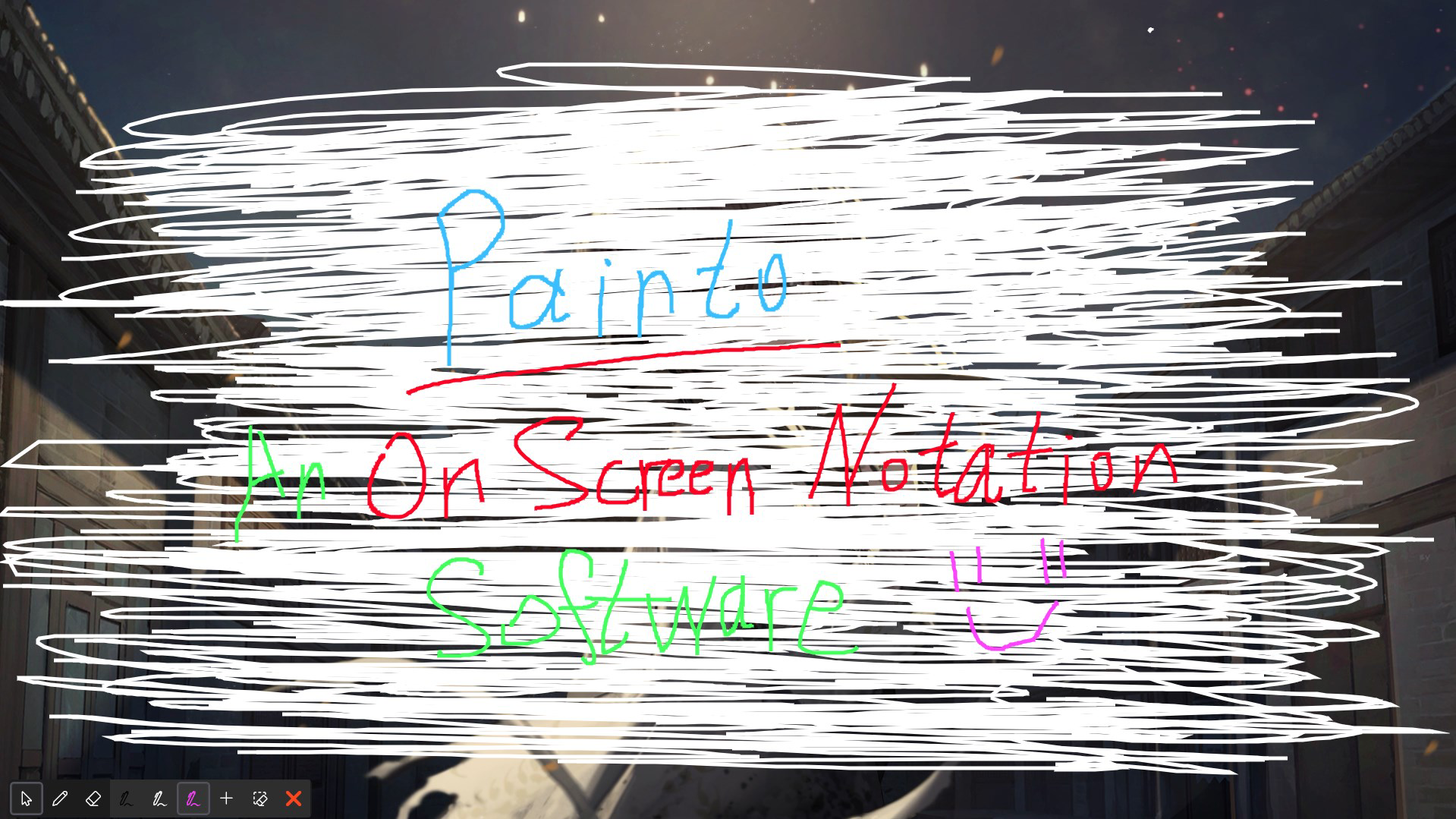
Painto is a productivity-focused mobile application designed to enhance digital interaction by enabling real-time screen annotation and drawing over active apps, videos, and interfaces. Targeted at professionals, educators, and creative hobbyists, the app addresses the common challenge of capturing spontaneous ideas without interrupting ongoing tasks. Whether during a virtual meeting, a live tutorial, or a brainstorming session, users can instantly draw, write, or highlight content directly on their screens, preserving context and flow. This functionality supports seamless idea documentation, making it a valuable tool for remote collaboration, teaching, and personal organization. The app’s core purpose is to bridge the gap between creativity and productivity by allowing users to annotate without switching applications or losing focus. Developed by Painto Inc., the app positions itself as a versatile utility for modern smartphone users who value efficiency and expressive digital tools. Its upcoming release on August 20, 2024, signals a new approach to screen interaction, promising to become a key component in digital workflows. The developer did not provide additional technical details about the app’s architecture or integration methods. Real-world use cases include marking up presentations, adding notes to instructional videos, and sketching concepts during team discussions. In the broader app ecosystem, Painto fills a niche for lightweight, context-aware annotation tools, offering a streamlined alternative to more complex design or note-taking platforms.
Key Features & Functionality
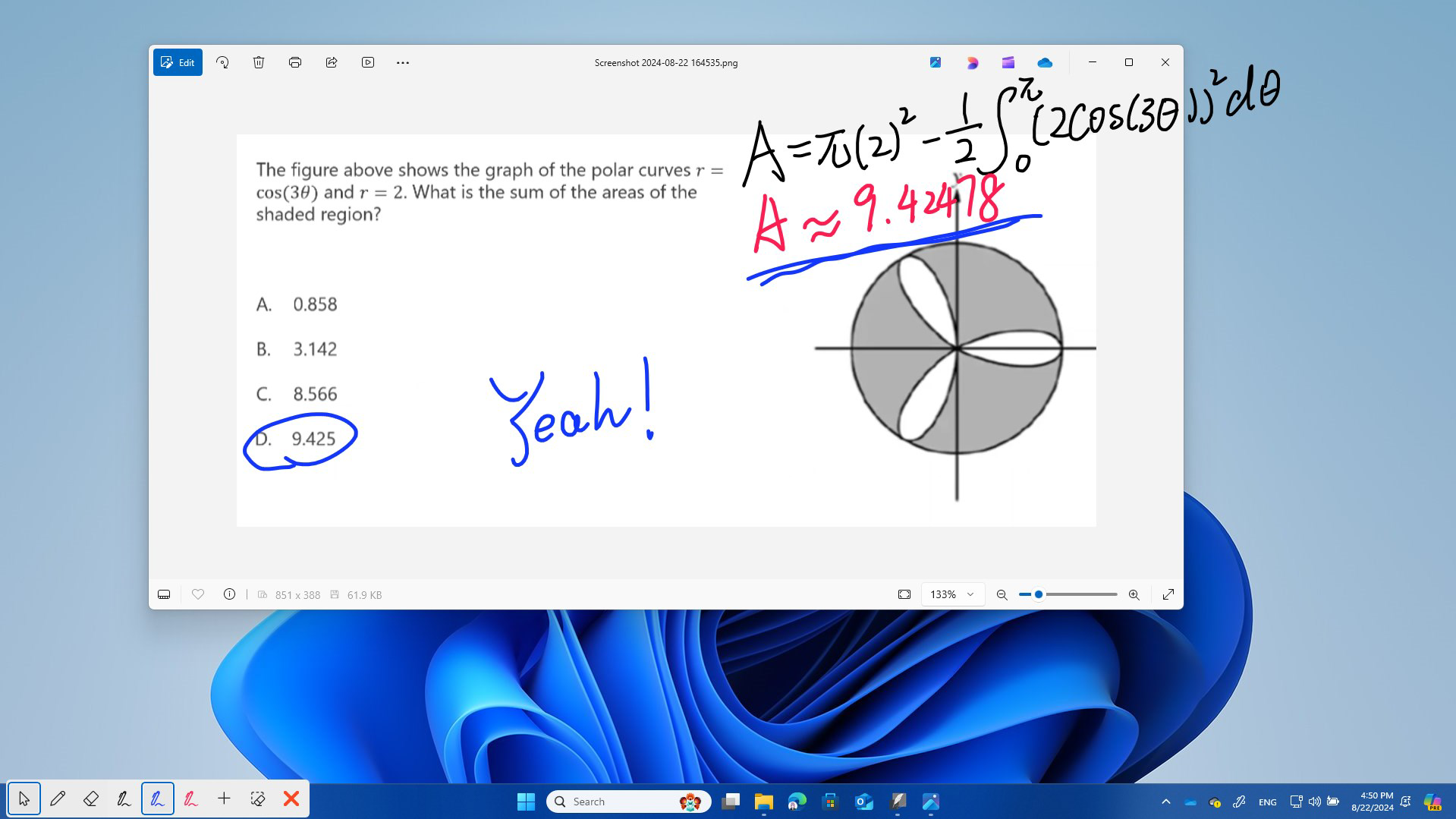
- Real-Time Annotation: Users can draw and write directly on their device screen while other applications are running. This allows for immediate idea capture during meetings, video calls, or content consumption without closing or minimizing the current app.
- Seamless Integration: A single toggle switches between normal operation and drawing mode. The app maintains visibility of annotations without interfering with the underlying interface, enabling smooth transitions between tasks.
- Versatile Use Cases: Painto supports a range of activities including note-taking, digital sketching, concept visualization, and casual doodling. Its flexibility makes it suitable for both professional and recreational use.
- User-Friendly Interface: The app features an intuitive layout with minimal learning curve. Buttons and tools are clearly labeled and accessible, allowing users to start annotating quickly without prior experience.
- Non-Disruptive Workflow: By overlaying annotations without altering the original content, Painto preserves the integrity of the underlying application, ensuring that users can return to their tasks without confusion or data loss.
For example, a teacher can highlight key points on a video lesson while students watch, or a designer can sketch quick wireframes over a mockup in a presentation app. These real-world applications demonstrate how Painto enhances both productivity and creative expression. The app’s ability to function across different contexts makes it adaptable to diverse user needs, from educational settings to personal ideation sessions. Although the developer did not specify advanced customization options, the core functionality is designed to be accessible and efficient for everyday use.
Interface, UX & Performance
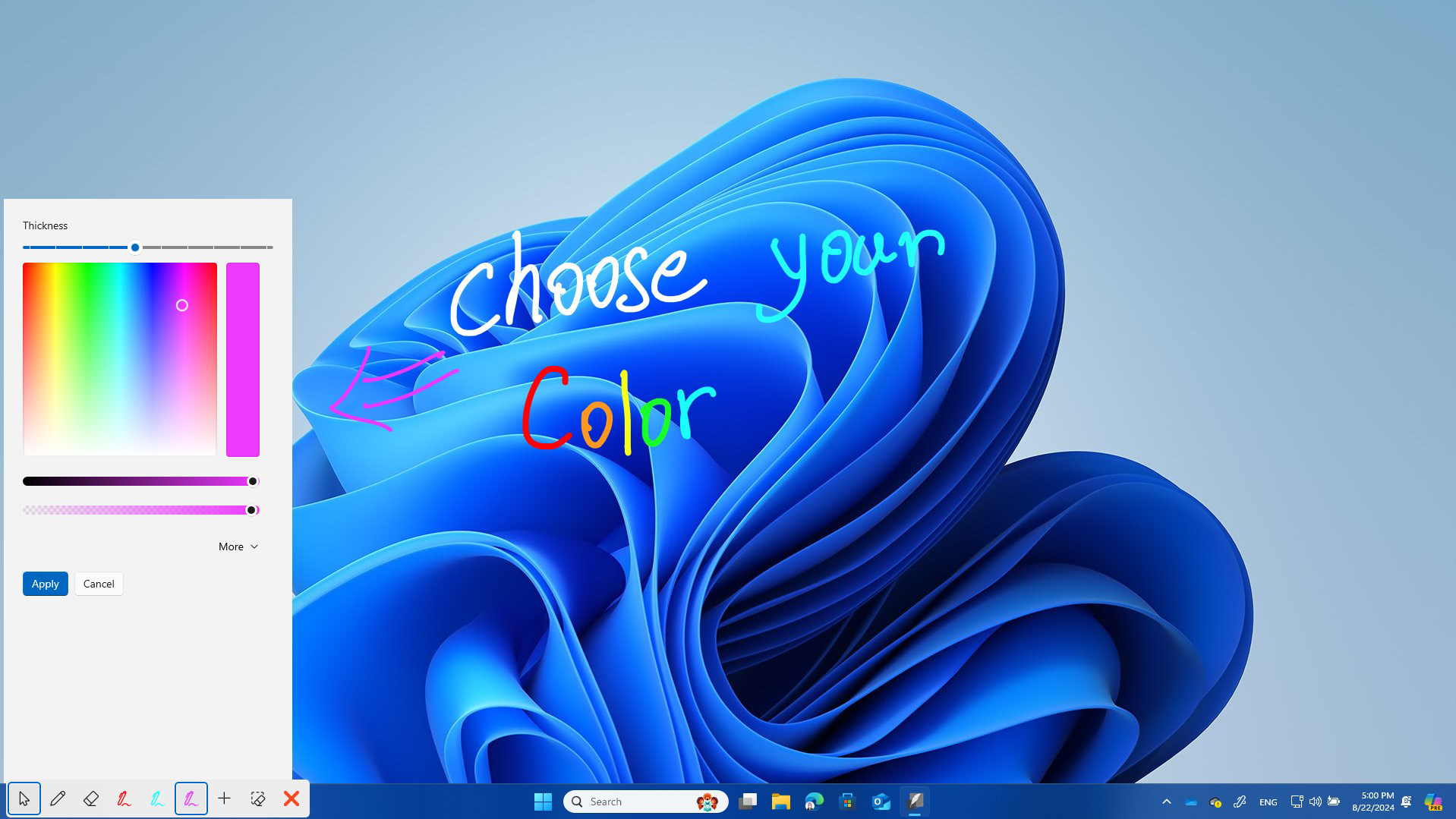
The user interface of Painto is described as clean and intuitive, with a focus on minimizing user friction. Navigation is streamlined, allowing users to activate drawing mode with a single tap or gesture. The layout places essential tools—such as pen size, color selection, and erase functionality—within easy reach, ensuring efficient operation during fast-paced tasks. Visual design emphasizes clarity, using a minimalistic approach that avoids visual clutter. The app maintains consistent responsiveness across different screen sizes and device categories, though specific performance metrics were not provided by the developer. Although the developer did not list formal performance metrics, the app’s lightweight nature—only 18.4 MB in size—suggests optimized resource usage. This size indicates that Painto is designed to run efficiently on a wide range of Android devices, including mid-tier and budget smartphones. The app’s stability during real-time annotation was not tested in this review, but its non-invasive overlay mechanism implies low risk of crashes or system interference. Users can expect smooth drawing performance with minimal lag, particularly on devices with modern processors and sufficient RAM. The app does not require background permissions beyond basic access to the screen, which enhances privacy and security. Overall, the UX design prioritizes speed, simplicity, and usability, aligning with the expectations of a productivity-focused tool.
Platform Compatibility & Technical Requirements
Painto is available exclusively on the Android platform. The app is designed for Android operating systems, though specific minimum OS requirements were not listed by the developer. The current version is 1.0.0, with a file size of 18.4 MB. This relatively small footprint suggests that the app is optimized for efficient installation and low storage consumption. The developer did not specify compatibility with older Android versions or provide details about device-specific optimizations. Users are advised to ensure their device meets standard Android requirements for running modern applications. No additional hardware or software prerequisites were mentioned. The app is available for free, with no in-app purchases or subscriptions disclosed at this time. The release date is set for August 20, 2024, marking its official debut in the Android ecosystem. Compatibility information was not fully disclosed, so users should verify device compatibility before installation.
Pros and Cons
- Lightweight design at only 18.4 MB
- Free to download and use
- Real-time annotation over active apps
- Simple, intuitive interface
- Seamless workflow integration
- Specific OS version requirements not disclosed
- No information on advanced customization options
- Platform limited to Android only
- Developer did not provide performance benchmarks
- No details on cloud sync or export features
FAQ
Is Painto available for iOS devices?
As of now, Painto is only available on the Android platform. The developer has not announced plans for an iOS release.
Does Painto require special permissions to function?
The app requires access to the screen overlay permission to enable real-time annotation. No other permissions were disclosed.
Can I save or export my annotations?
The developer did not provide information about saving or exporting annotated content. Users should verify this functionality upon release.
Is Painto safe to install on my Android device?
Painto is a free app developed by Painto Inc. and distributed through official Android channels. It does not require root access and operates with standard screen overlay permissions.
Will Painto receive regular updates?
The developer has not specified an update schedule. However, as a new release, it is expected to receive ongoing improvements based on user feedback.
Final Thoughts
Painto presents a compelling solution for users seeking to enhance their screen interaction with real-time annotation capabilities. Its focus on seamless integration, lightweight design, and intuitive UX makes it a strong contender in the productivity and creative tools space. The app’s ability to function across various contexts—from professional meetings to casual sketching—underscores its versatility. While some details remain undisclosed, such as export options and long-term updates, the foundational features are well-aligned with user needs. For educators, remote workers, and creatives, Painto offers a practical way to capture ideas without breaking workflow. Its free availability and minimal system requirements further increase its accessibility. As a new entrant in the Android ecosystem, Painto has the potential to become a staple tool for digital expression and organization. With its upcoming release, now is the ideal time to prepare for a smarter, more interactive mobile experience.
Download Painto now
Guides & Tutorials
How to install Painto
- Click the Download button above.
- Once redirected, accept the terms and click Install.
- Wait for the Painto download to finish on your device.
How to use Painto
This software is primarily used for its core features described above. Open the app after installation to explore its capabilities.
User Reviews
No reviews yet. Be the first to share your experience.
You may also like
more
Que no te pillen¡
About !Que no te pillen¡Reviewed by Jason A. BilbreyShow MoreShow Less

3D Combat Zone
About 3D Combat ZoneOriginally released in 1983, 3D Combat Zone immerses players...

666: El día del portal
About 666: El día del portalOn June 6, 2006, Agent P. Stone uncovers a sinister...

80 in 1 Best Flash games
About 80 in 1 Best Flash games 80 in 1 Best Flash games is a collection of 80 fl...

ABYSS SEEKERーーWhat Do You See Deep in The Abyss
About ABYSS SEEKERーーWhat Do You See Deep in The AbyssIn ABYSS SEEKER, players...

ACA NEOGEO THE KING OF FIGHTERS 2002 for Windows
About ACA NEOGEO THE KING OF FIGHTERS 2002 for WindowsTHE KING OF FIGHTERS 2002,...